Take a photo.
Know what you eat.
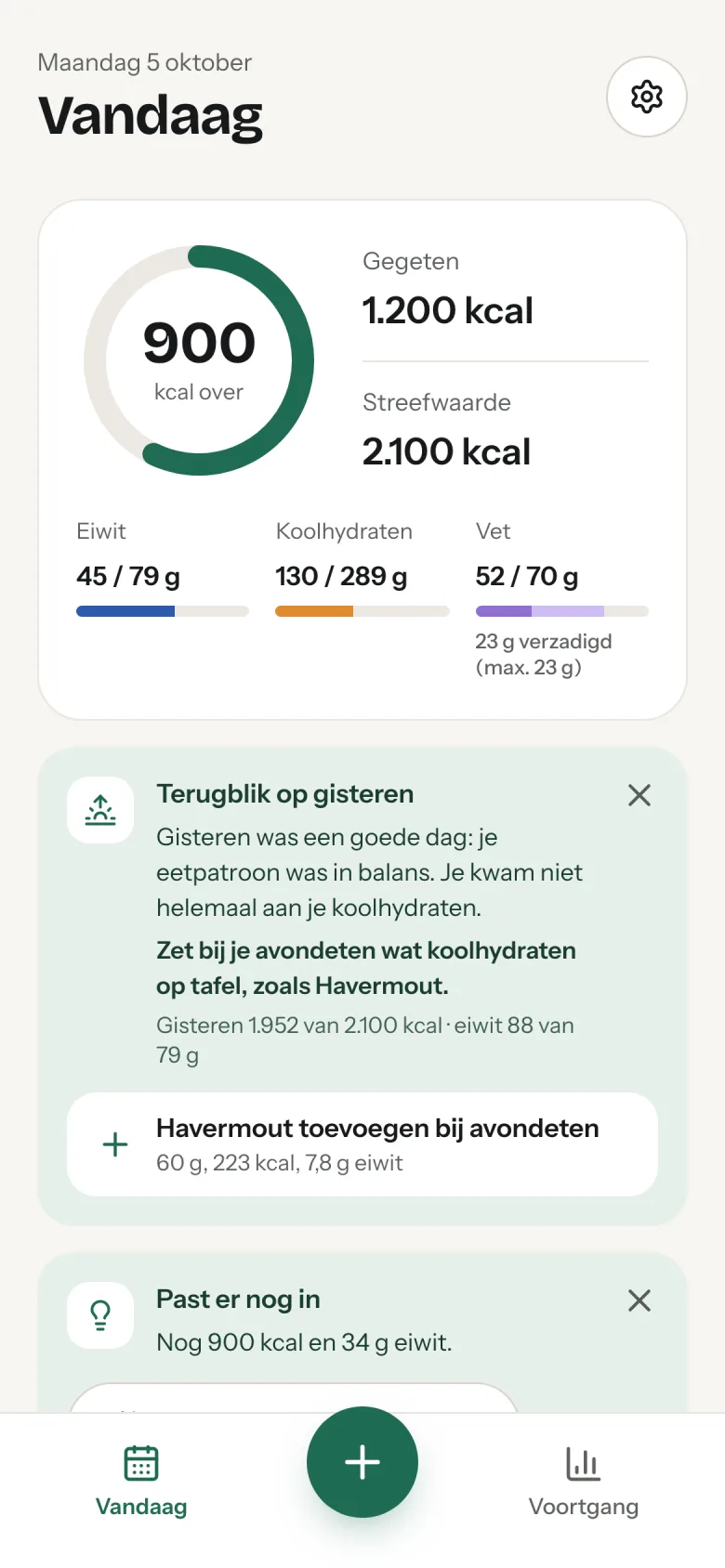
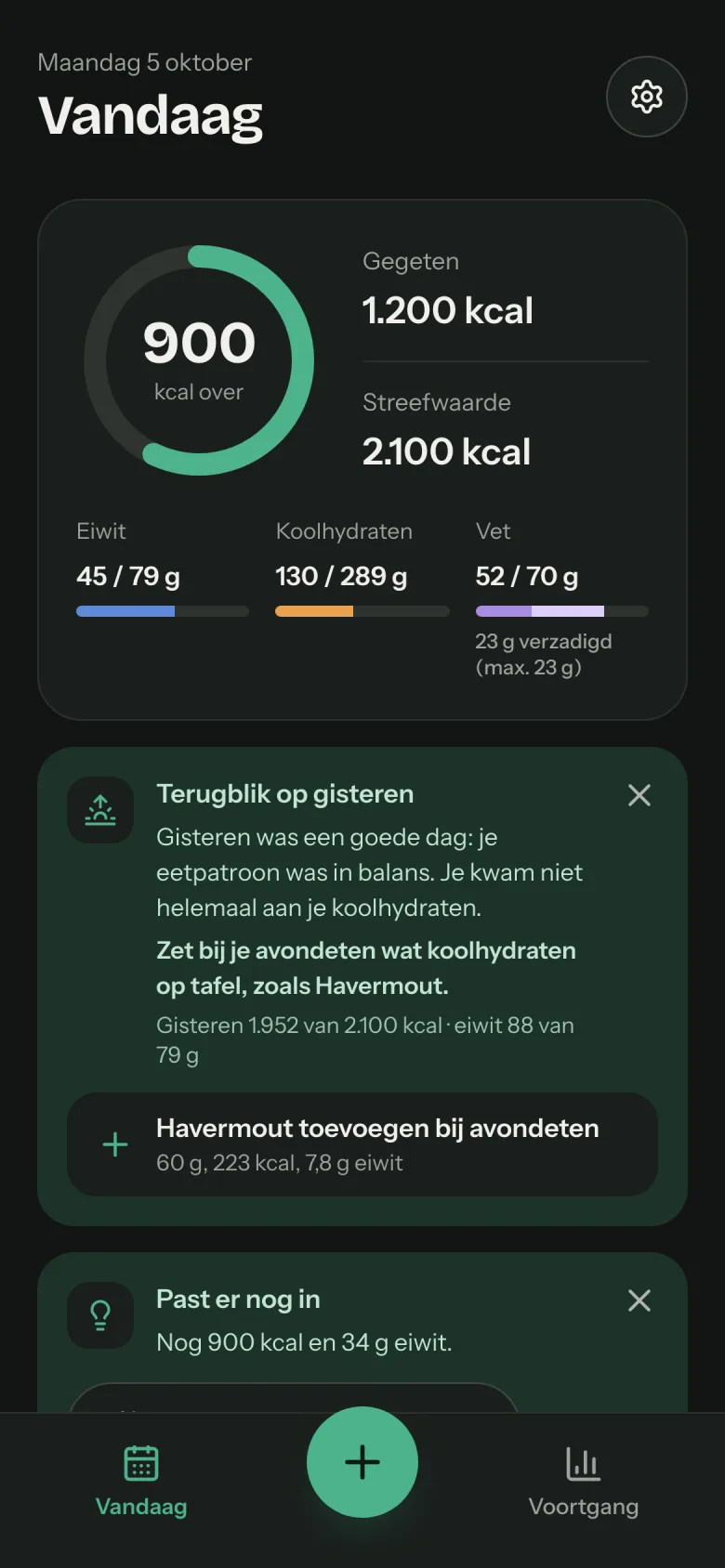
ClickBite recognises your meal and works out calories, protein, carbohydrates and fat, against a goal that really fits you: from losing weight to lean bulk or endurance. Every morning you see in two sentences how yesterday went, with one tip for today.
No payment details needed to start. Works in your phone's browser.
- Nutritional values from official food tables (NEVO, BLS)
- Your data stored in the Netherlands
- Cancel monthly

For people who take their health seriously
Whether you train, work on your weight or simply want to know what you take in.
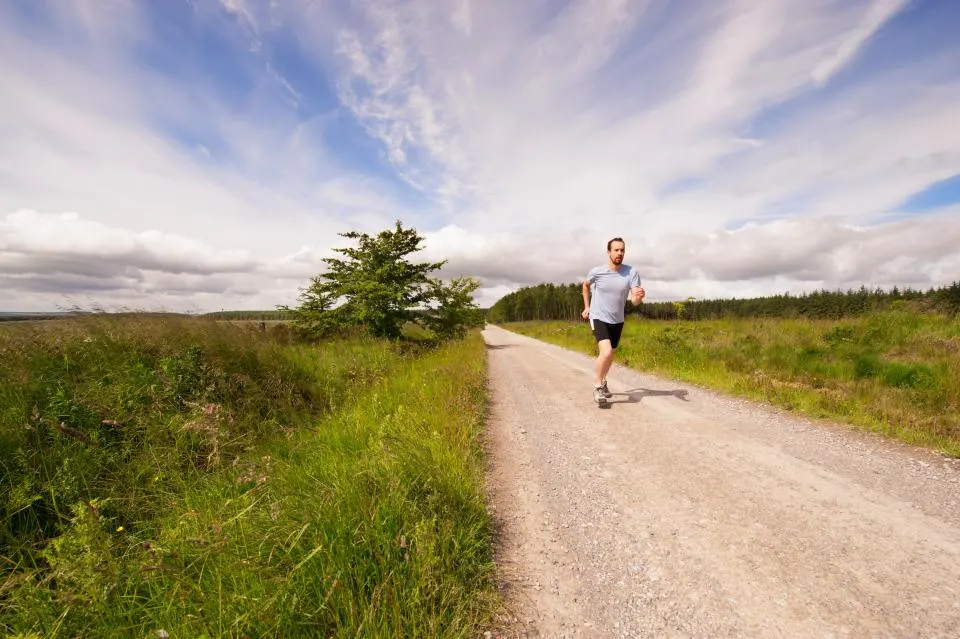
You train and want enough protein
Choose cutting, lean bulk, recomposition or endurance: protein per kilo, carbohydrates per training day, and protein comes first on Today.
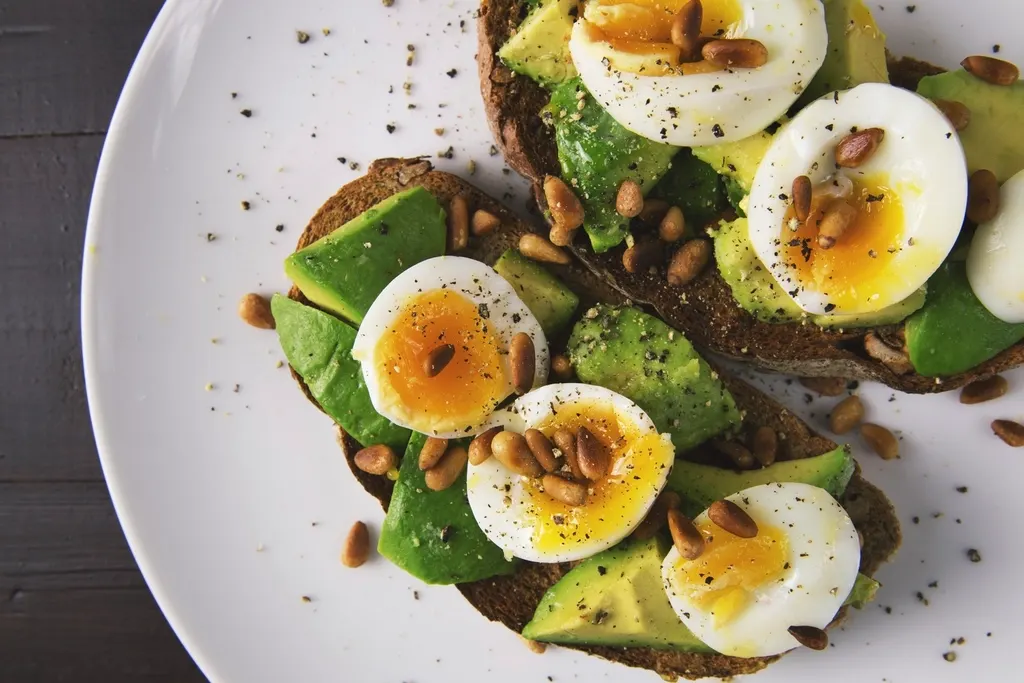
You want to eat more mindfully
A photo is enough. And if you don’t want to count? Choose Mindful eating: you see what you eat, without a target and without “left today”.
You're working on your weight
A goal within safe limits, a target weight by a date at a realistic pace, your weight as a trend and after two weeks a proposal to adjust. You decide.
From plate to insight in three steps
Photograph your plate
Open ClickBite and take a photo. The app recognises what's on it and estimates the portion.
Check and complete
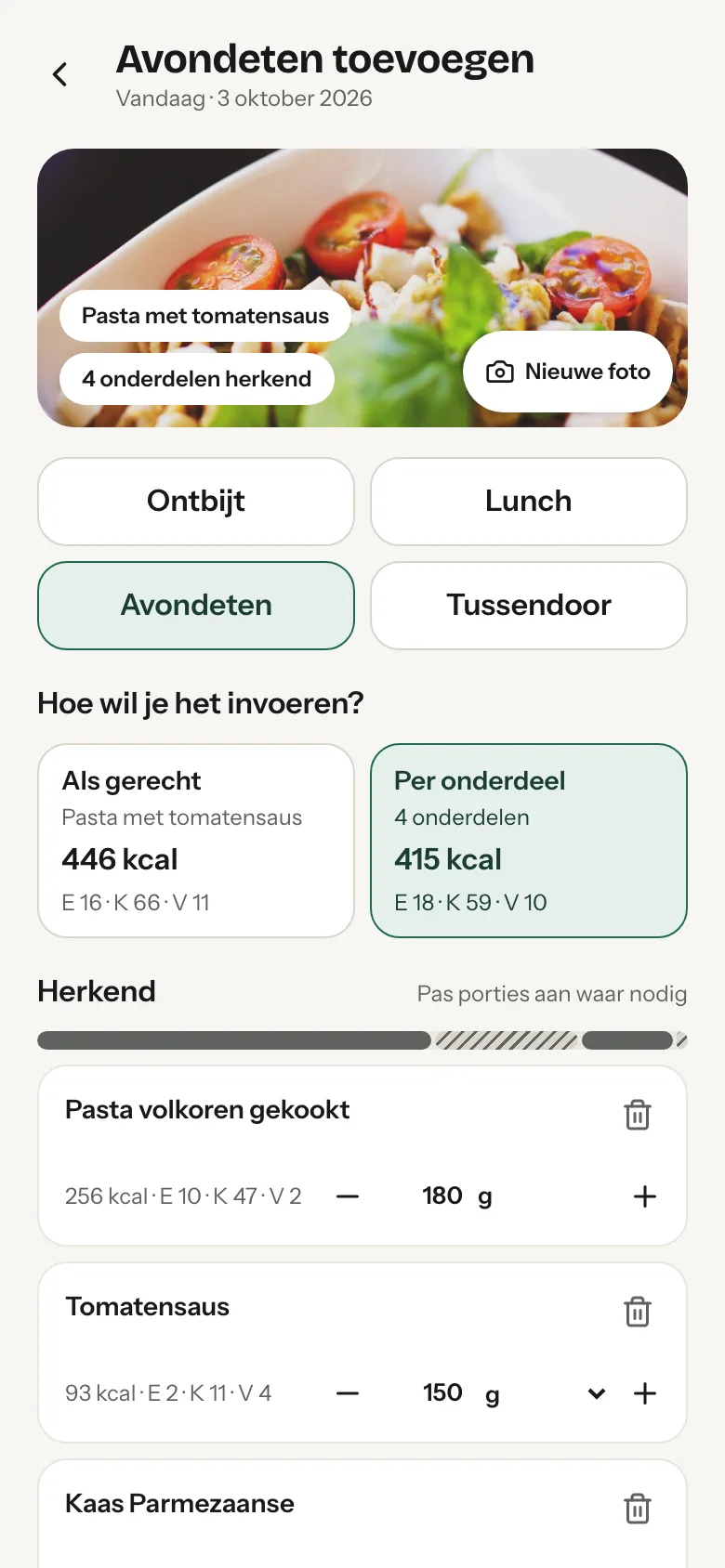
Something not right? Adjust the portion or add what wasn't recognised. That keeps your numbers reliable.
See what still fits
You see straight away how many calories, protein, carbohydrates and fat you have left today. And the next morning a short review with one tip.
Works with ordinary, mixed meals
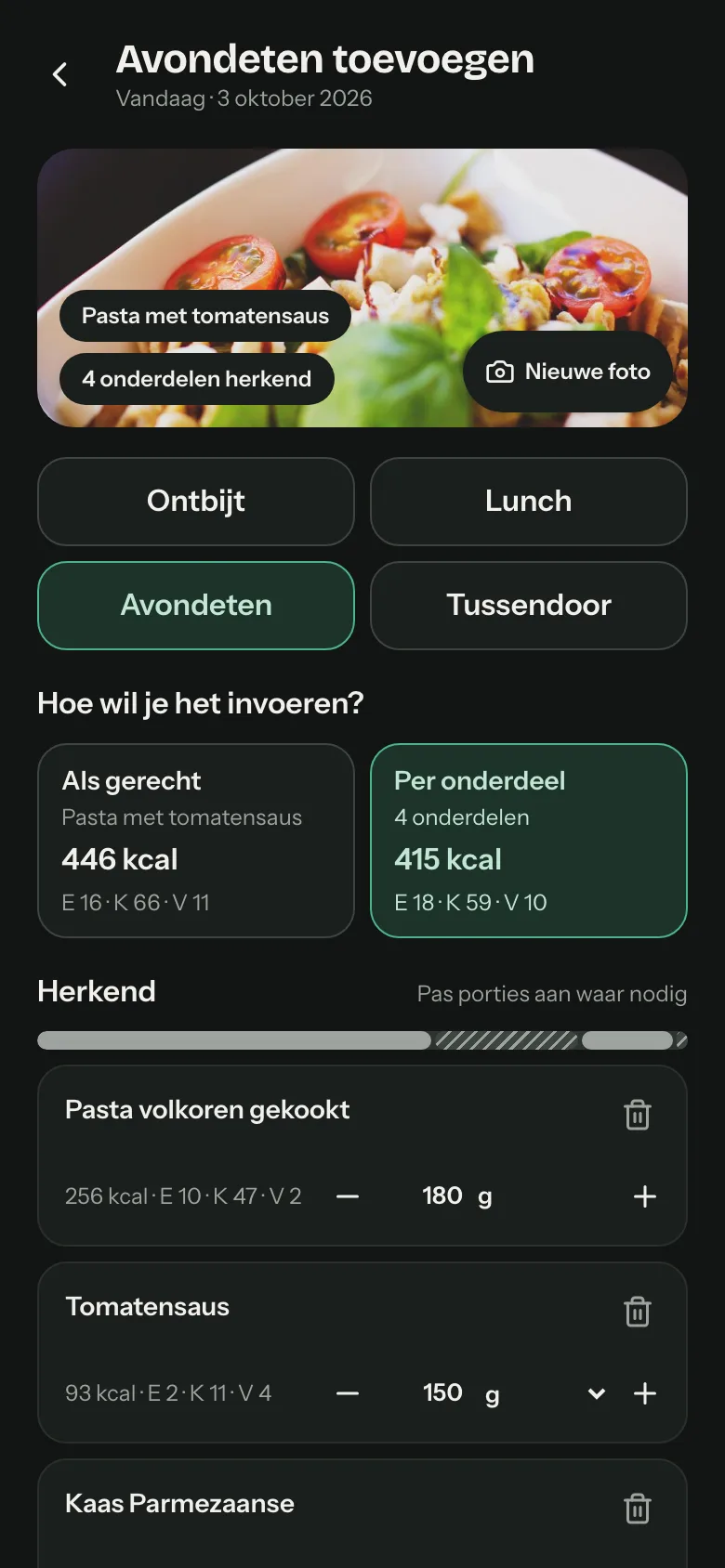
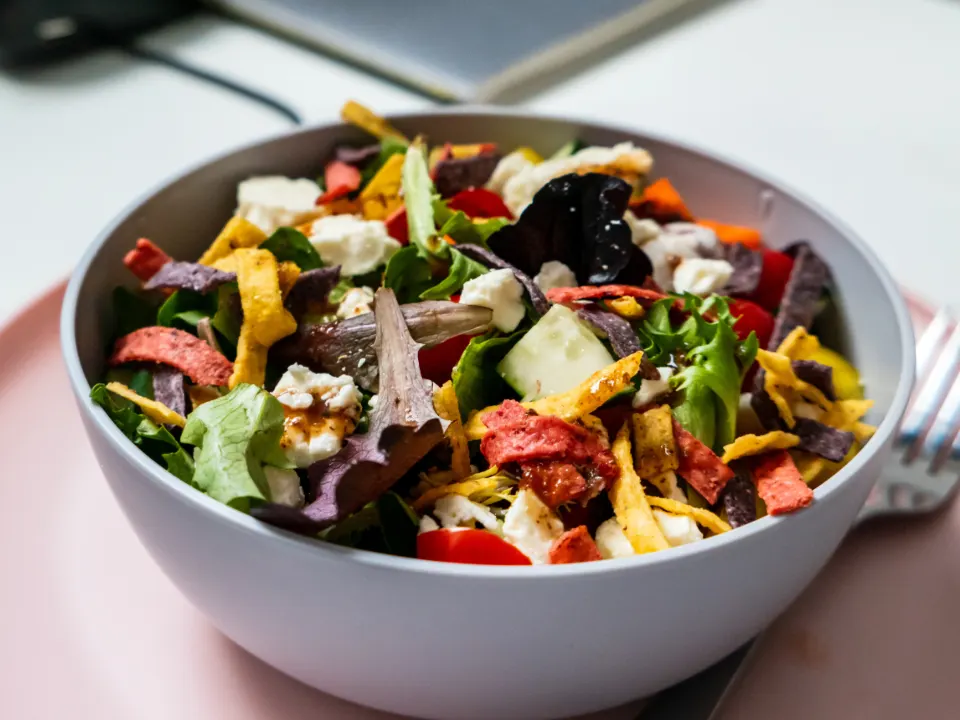
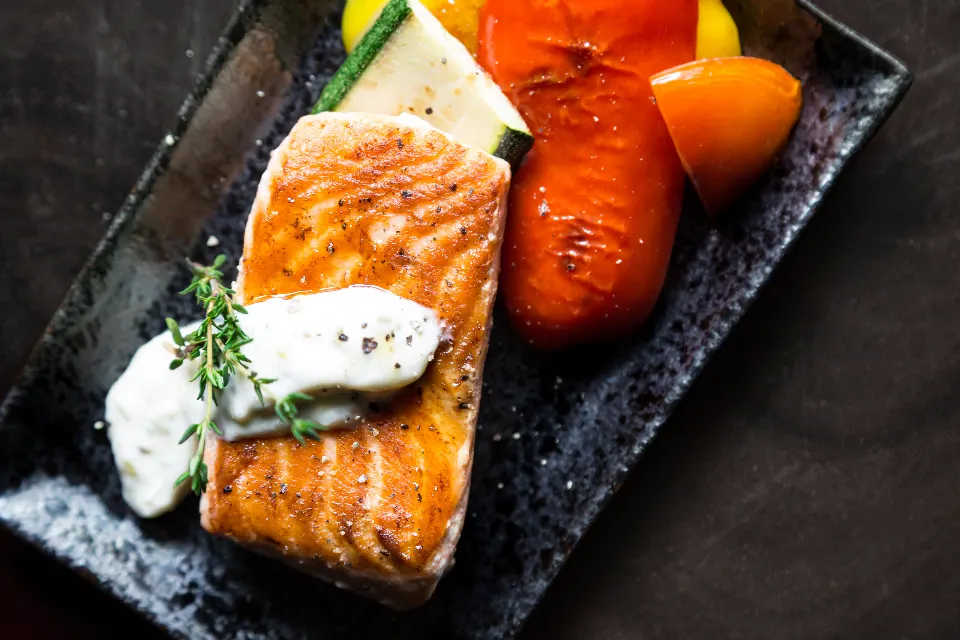
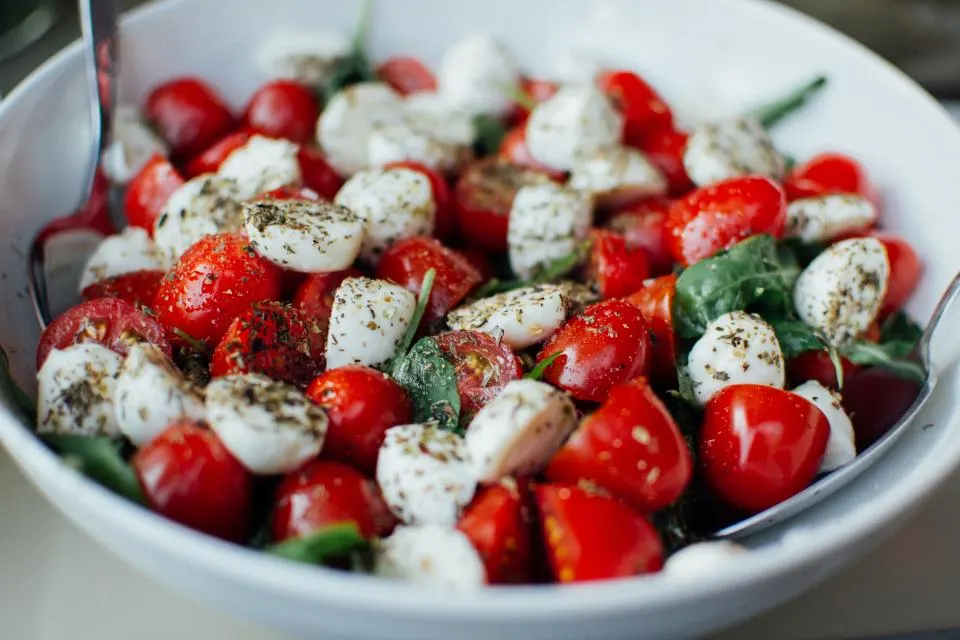
A salad, a bowl, a sandwich or dinner: ClickBite breaks a dish down into its separate components. You check and adjust where needed.
 Breakfast
 Lunch
 Dinner
 Snack
Everything you need, nothing that distracts
No endless lists to search. A photo, a quick check and you know where you stand.
Photo recognition
Recognises what's on your plate, breaks a dish down into components and estimates the portion. You check, so your numbers are right.
Barcode, label or voice
Scan a product's barcode; if it isn't listed yet, a photo of the label is enough. Or simply say what you ate.
A goal that fits you
From losing weight and cutting to lean bulk, endurance or mindful eating. With protein focus, plant-based or low-carb, and food preferences such as organic, wholegrain or rather no sweeteners, always within safe limits.
A review every morning
Two sentences about yesterday and one tip for today from your favourites, added with one tap. Plus ideas for what you have left.
Exercise, weight and connections
Track exercise and weight, or connect Fitbit or Withings: workouts and weigh-ins then come in by themselves. Oura, Polar and Whoop are next.
Reliable sources
Values from the official NEVO-online and BLS 4.0 tables, plus Open Food Facts and GS1 for branded products. Stored in the Netherlands.
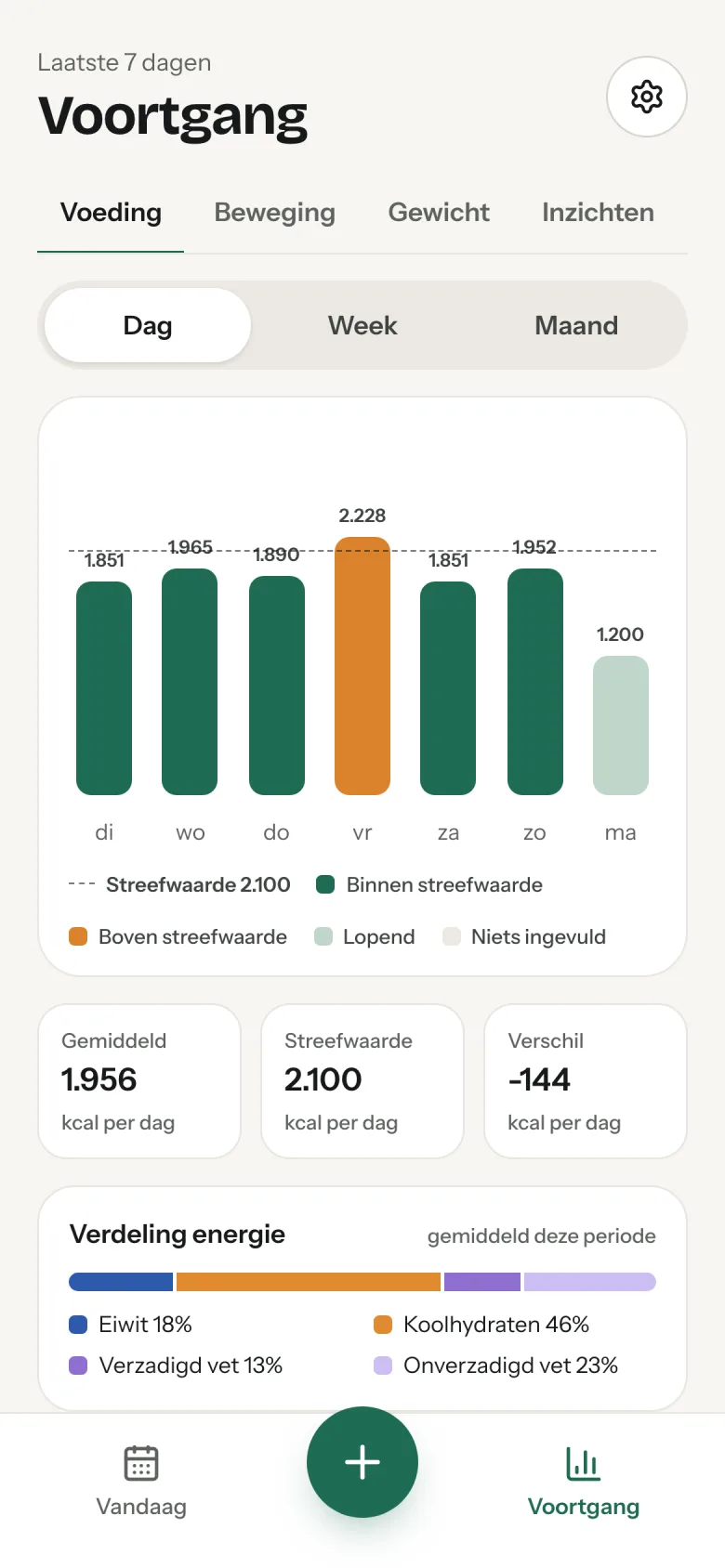
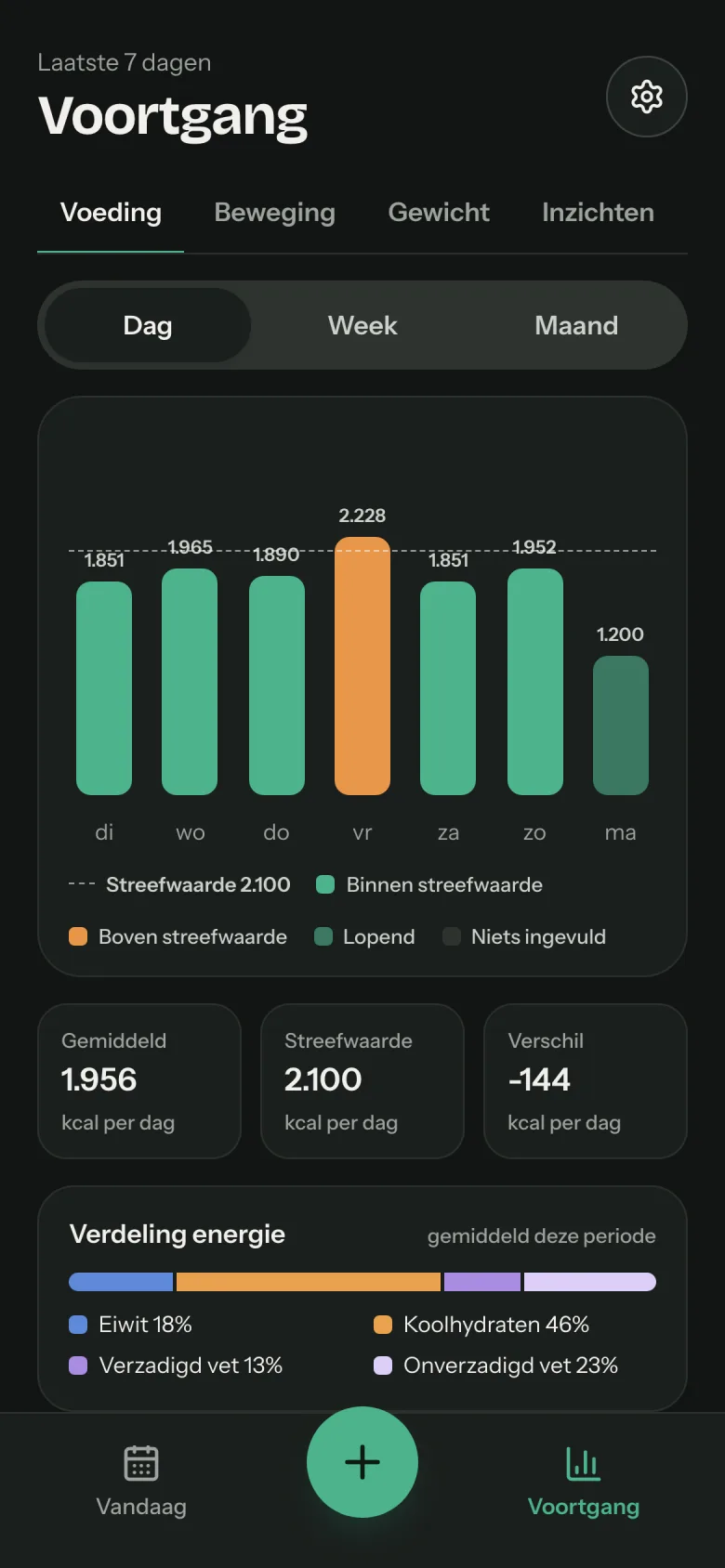
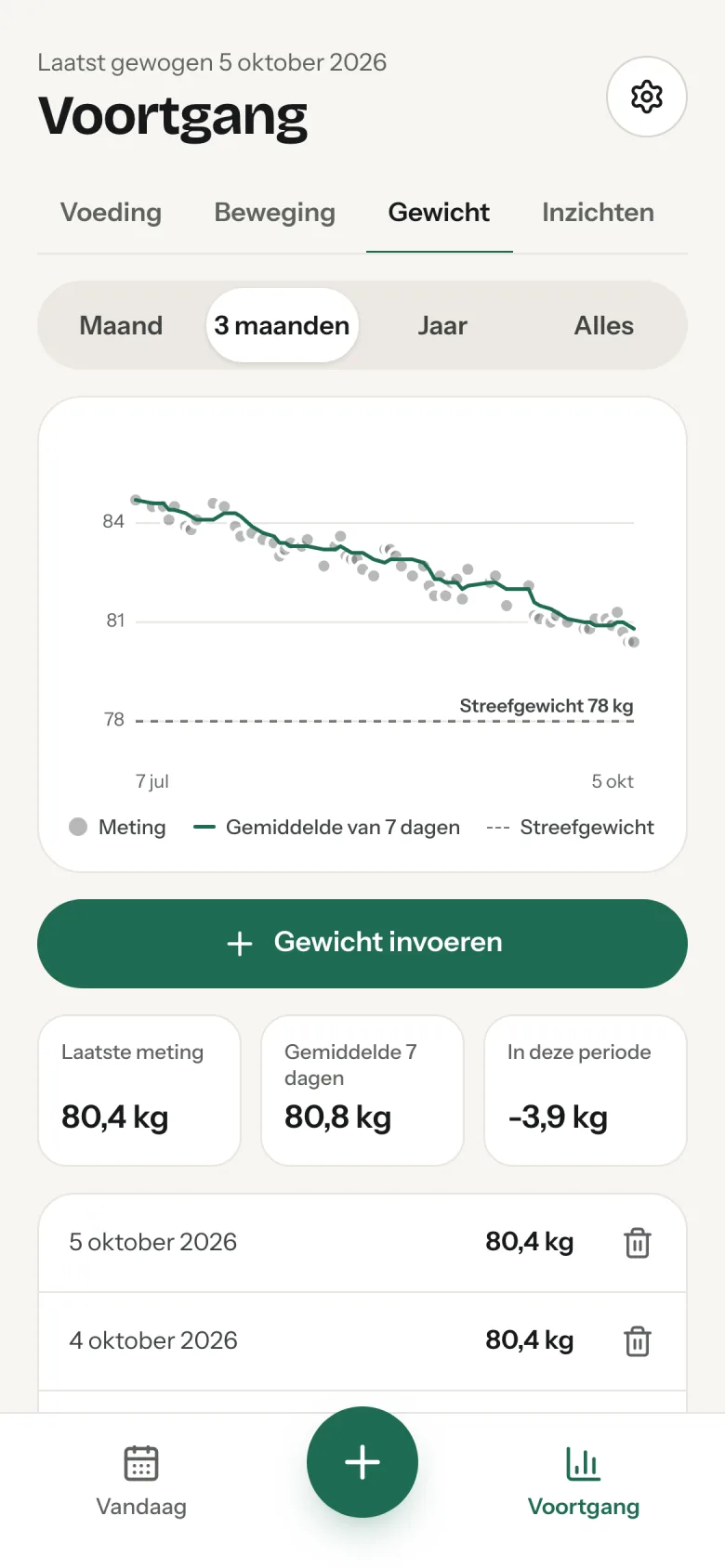
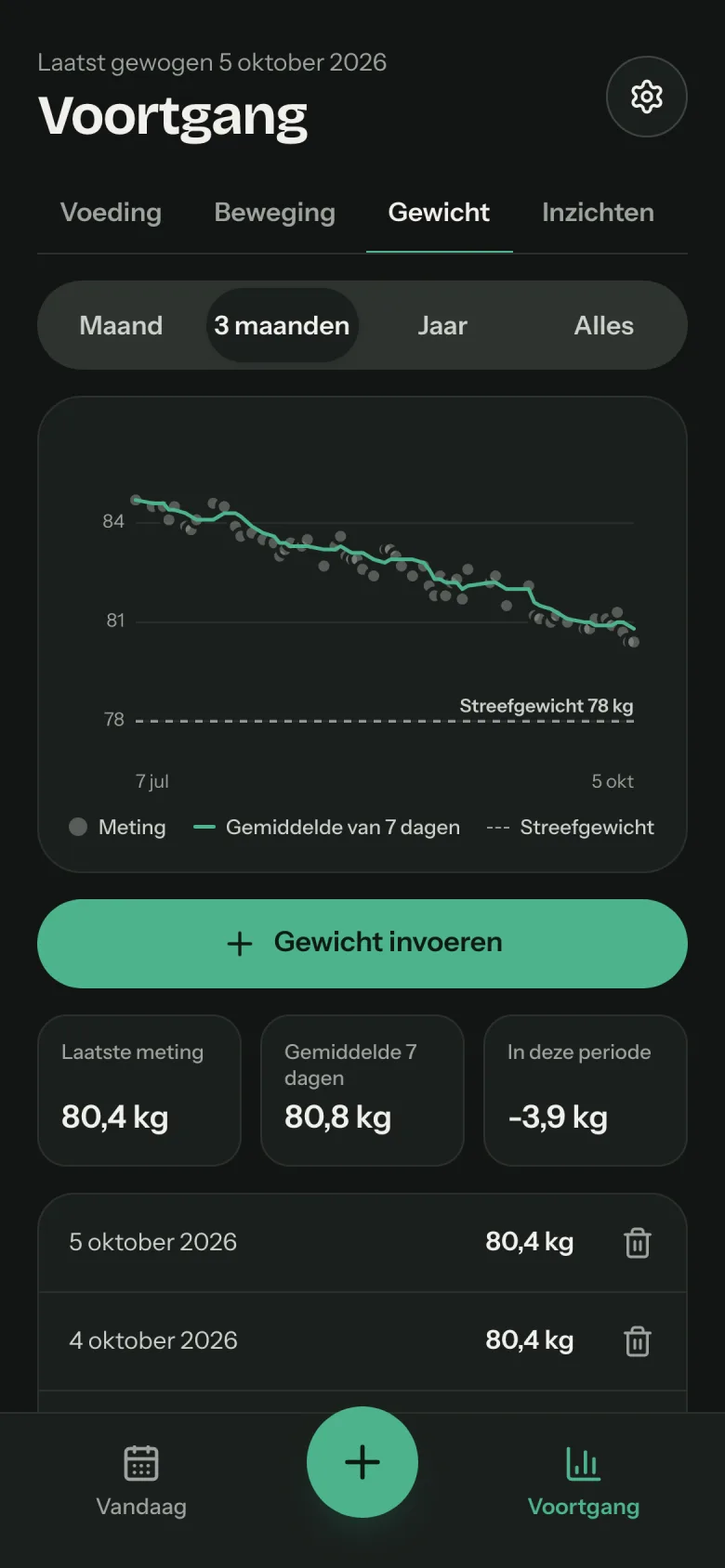
See your progress, not just today
Per day, week and month you see how you are doing against your goal, and insights from your own entries show what shapes your eating. Your weight is shown as a trend, so a daily fluctuation does not throw you off.
- Your own goal, with protein, carbohydrates and fat per day
- Insights that follow your goal and food preferences: which products provided the most, how often you stayed within your goal, how much fitted your preferences
- Weight as a seven-day average
- How your energy is split over protein, carbs and fat
- With Healthier eating also fibre, saturated fat and salt, as calm indicators
Free for 14 days first. Then you choose.
Everything is included, in both plans. Prices include VAT.
Yearly
Best value€10per month
€120 per year, paid in advance. You save €24 a year.
Start your free trialIn every plan
- Goal templates with safe limits, from losing weight to lean bulk and endurance
- Photograph meals, scan barcodes and read labels
- Connections with sports watches and scales
- Protein, carbs and fat per meal
- A review with one tip every morning
- Ideas for your next meal
- Day, week and month overview
- Keep track of exercise and weight
- Insights from your own entries
- Food preferences that count in search, ideas and tips
You don't need to enter payment details to start. After 14 days you decide whether to continue. See the terms.
Frequently asked questions
How is ClickBite different from other photo calorie counters?
Reliable numbers. Nutritional values come from NEVO-online (RIVM), the German BLS 4.0 and, for branded products, Open Food Facts and GS1, not from a language model and not from unchecked entries by other users. A product added by a user only enters the shared database with a barcode and an unchanged label.
Recognition you can check. ClickBite breaks a dish down into components, links them to those sources and lets you review everything before it is saved; you can also log a dish as a whole. If a product is missing, the barcode plus a photo of the label is enough.
A goal, not a number. You choose what you want to achieve, from losing weight to lean bulk or endurance, and the app fills in the calories and macros that go with it, within safe limits. Other apps give you a number; ClickBite gives you a plan.
A review every morning. In two sentences how yesterday went and one concrete tip for today, judged by fixed rules, not by an AI verdict. The ideas for your next meal fit what you have left and that tip.
Your data, in Europe. Stored in the Netherlands, photos deleted after recognition, no advertising and no resale; only the photo recognition itself runs through Google Gemini. See the privacy statement.
Which goals can I choose?
Lose weight, cut, maintain, gain, lean bulk, bulk, recomposition, endurance, healthier eating, mindful eating or your own goal. Each goal fills in your calories (as a share of your maintenance), protein per kilo and fat; you adjust them within the range of that goal.
You also choose options: protein focus (protein first on Today, spread over your meals), plant-based, low-carb or an eating window. With endurance and strength goals you mark each day as a rest or training day; carbohydrates or calories shift along and the weekly average stays the same. You can switch at any time; earlier days keep the goal that applied then.
Can I say what I prefer to eat or avoid?
What is the review of yesterday?
Every morning Today shows a short look back: how yesterday related to your goal (calories, protein, fat, carbohydrates and, with Healthier eating, also fibre, saturated fat and salt) and one concrete tip for your next meal, preferably from what you often eat; later in the day the tip is about the meal still to come. One tap and the tip is ready to add.
The verdict follows fixed rules, not an AI judgement, so it is predictable and explainable. If a day was only half logged, the look back gives no verdict. You can dismiss the card for that day and switch the look back off in the settings.
Does ClickBite work with my sports watch or scale?
I don’t want to count. Is that possible?
How does ClickBite handle safe limits?
A goal never goes below 1,200 kcal a day and never more than 25% below your maintenance; losing weight at most 1% and gaining at most 0.5% of your weight per week; protein and fat stay within healthy limits. With a BMI below 18.5 or during pregnancy or breastfeeding, goals with a deficit cannot be chosen.
The app never praises eating little and does not encourage eating less. If you stay below the minimum for a few days, we gently point to help. ClickBite is a tool, not a treatment; for questions about your health, your GP or a dietitian is the right place.
How does the trial work?
Can I cancel?
Do I need to install an app?
How accurate is the recognition?
Does it work with Dutch products?
What happens to my photos?
Does ClickBite give dietary or medical advice?
Who is ClickBite for?
Can I take my data with me or delete it?
Start today. The first 14 days are free.
Create an account, choose your goal and photograph your next meal.
Try it free for 14 days